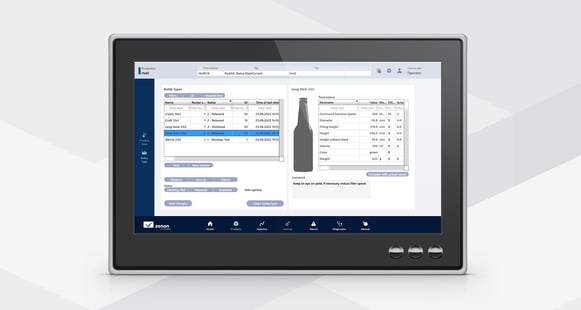
Recipe Administration in zenon can be configured easily and operated efficiently. Keep the overview on complex sets of recipes with zenon Recipe Group Manager. Ensure maximum security standards in your production processes by zenon’s sophisticated security measures.
Fast Facts
- Table form or logically grouped views
- Write recipe variables directly from process screens
- FDA 21 CFR Part 11 compatible
- Status monitoring and progress bar
- Quick project configuration
- Fully networkable without multiple project configuration
- Versioning and status handling
- Supported within native Service Engine and Web Visualization Service
Recipe administration with zenon
With zenon recipe administration, it is easy to edit and save any desired number of parameter sets. You can define them for use at the process level at the press of a button. There are two types of recipe management in zenon:
- Standard recipes: Recipes collect set values and commands in a predefined list. These recipes can be configured either in Engineering Studio or Service Engine.
- Recipe Group Manager: zenon Recipe Group Manager creates and administers a collection of several recipes.
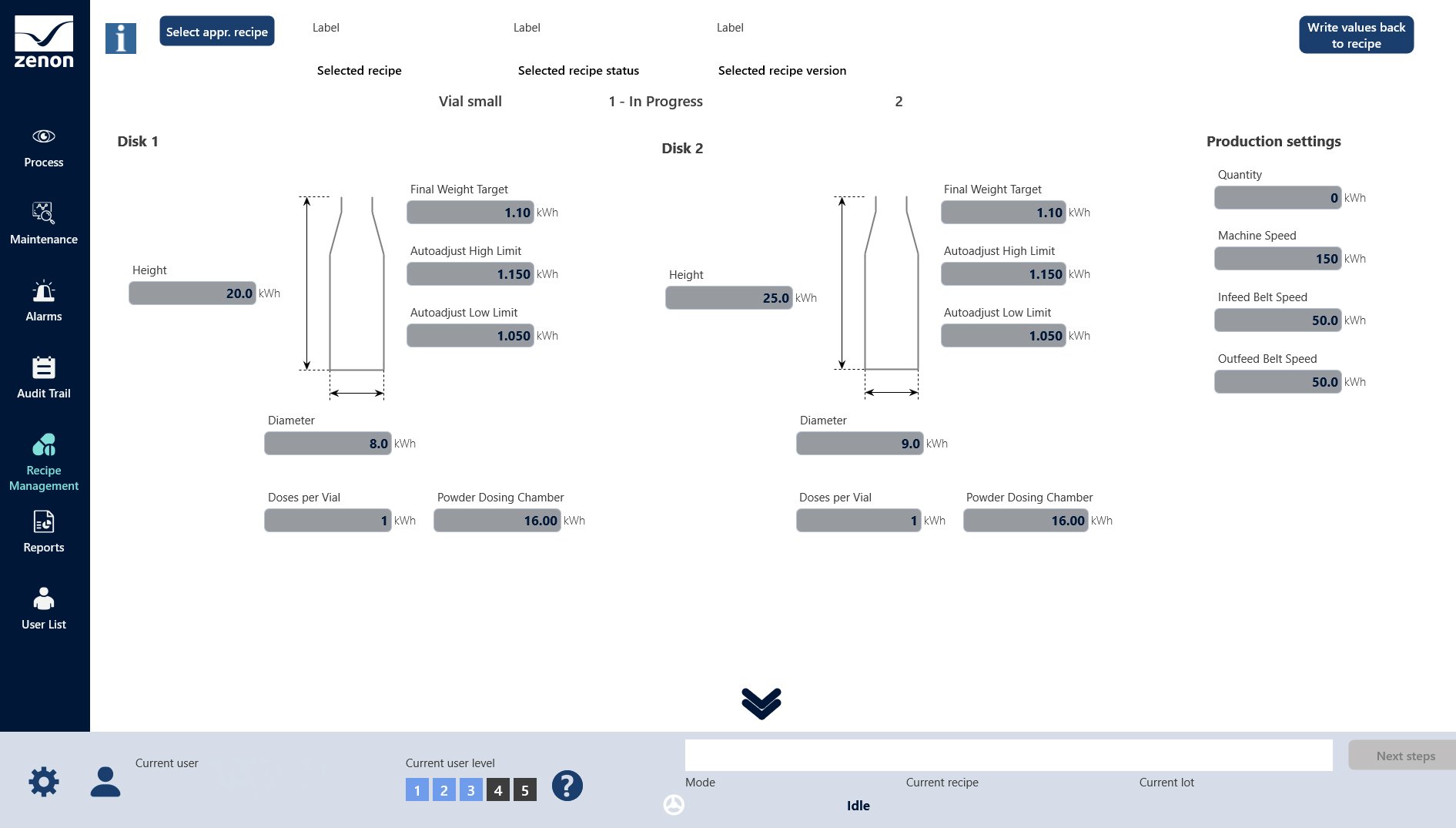
Standard recipes in zenon
A set of parameters can easily be written at once by using recipes in zenon. In the Service Engine or the Web Visualization Service, execution of the recipes can be done either via the screen for standard recipes or a pre-configured function from the Engineering Studio. By using a function it is for example possible to let the Service Engine start in a pre-defined state, simply by applying the right parameters.
zenon Recipe Group Manager
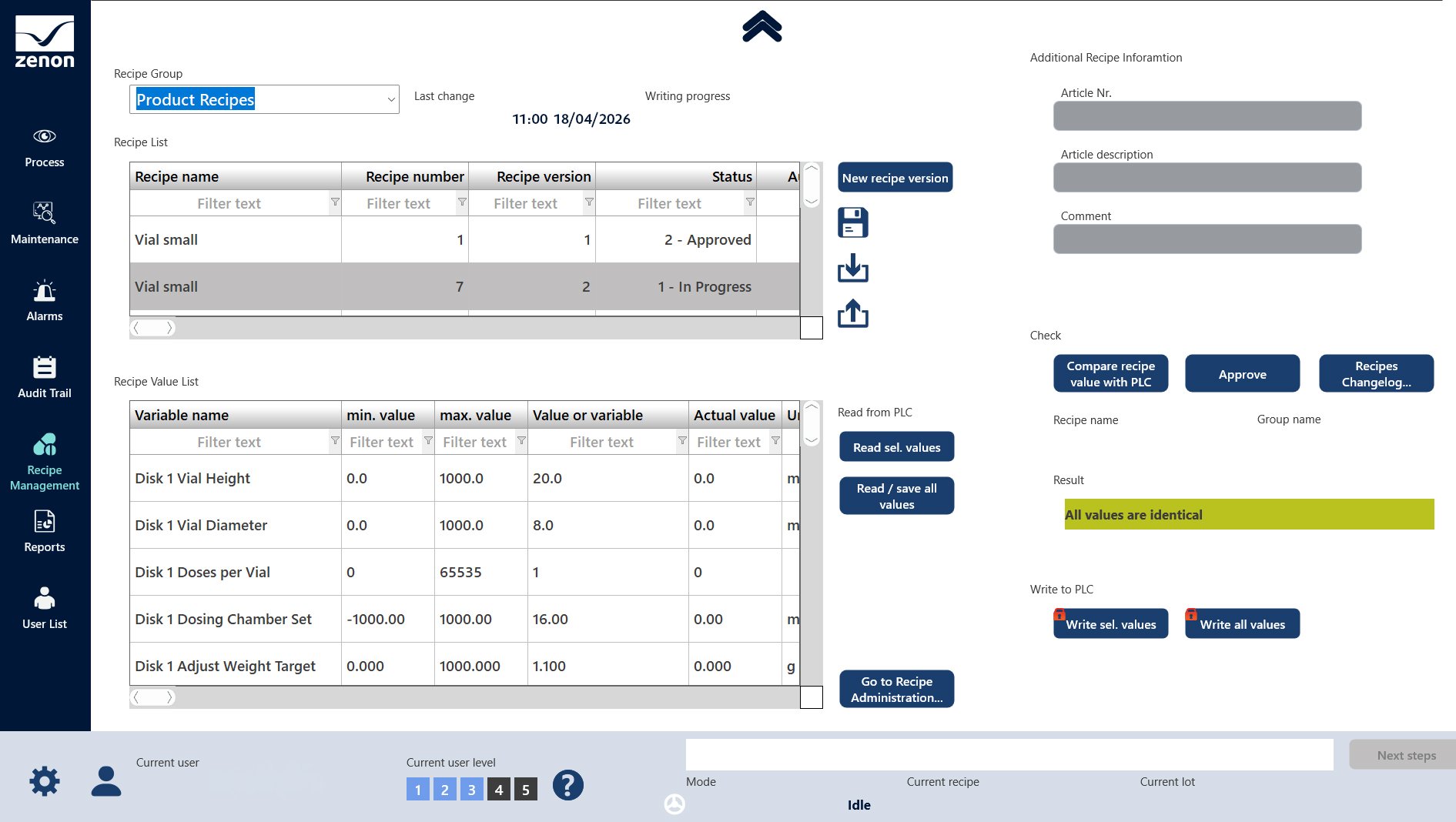
In addition to the standard recipes, zenon Recipe Group Manager simplifies the administration of large groups of recipes with the aid of many practical functions. The software enables recipes to be grouped and managed logically.
The benefits of zenon Recipe Group Manager include:
- Table display for a clear overview of equipment for target/actual comparison.
- Numerous functions for the flexible administration of any number of recipes in zenon Service Engine, such as: opening, writing, reading, overwriting, copying, duplicating, exporting or importing recipes.
- Import recipe data from external data sources.
- Read in current equipment values in order to save them in a recipe (teaching).
- Use existing recipes as a template aided by zenon’s recipe versioning and status handling to help users and save time.
- Preconfigured standard screens in delivery scope.
- Recipe variables can be changed and used directly in zenon process screens.
- Can be used with interlocking, e.g. of recipe parameters.
- Comprehensive filtering capabilities (e.g. for status, filter texts or version).
- Individual keyboards/input fields possible for each parameter.
Changes of recipes in zenon Service Engine can be read back to the zenon Engineering Studio at any time, to ensure you keep your project configuration up to date. Updated data is immediately available everywhere via the network. All functions can be triggered manually or called up automatically.
Security and operating concepts with zenon
Recipes can enable considerable changes to the equipment to be made. zenon therefore offers sophisticated security mechanisms and access rights. You can control, monitor and log access to your recipes to ensure their correct and secure execution.
zenon Recipe Group Manager in action
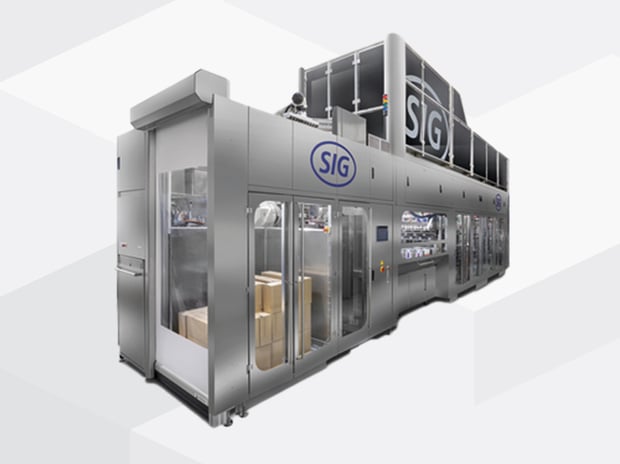
important element of SIGs bottling line concept is its versatility. Customers can fill different products or recipes with little effort. Packaging formats and sizes can vary. For this reason, SIG uses zenon to provide a simple and user-friendly visual implementation. In the zenon Recipe Group Manager, different variants can be stored with all the details, such as speeds, temperatures, pressure, quantities or packaging sizes.
Further support needed?

Search our help center, ask the community or submit a ticket.


Consult the AI-powered information source for assistance.

Your local zenon representative is only a phone call or e-mail away.